










How to Stay Anonymous on the Internet in 2026 (Complete Guide)
Here's something that might bother you: right now, as you're reading this, at least a dozen companies know what browser you use, what device you're on, your approximate location, and what you were doing 20 minutes ago. And your incognito window didn't stop any of it.
Staying anonymous online isn't just about hiding from hackers. Advertisers, data brokers, platform algorithms, and even competitors collect your digital fingerprints constantly, and selling that data is a billion-dollar industry.
If you're managing accounts, doing competitor research, or simply value your privacy, this guide is for you.
We'll walk through every layer of real online anonymity from basic hygiene all the way to advanced tools like Octo Browser, which goes further than anything most people have tried.
Why Going Incognito Is Basically a Placebo
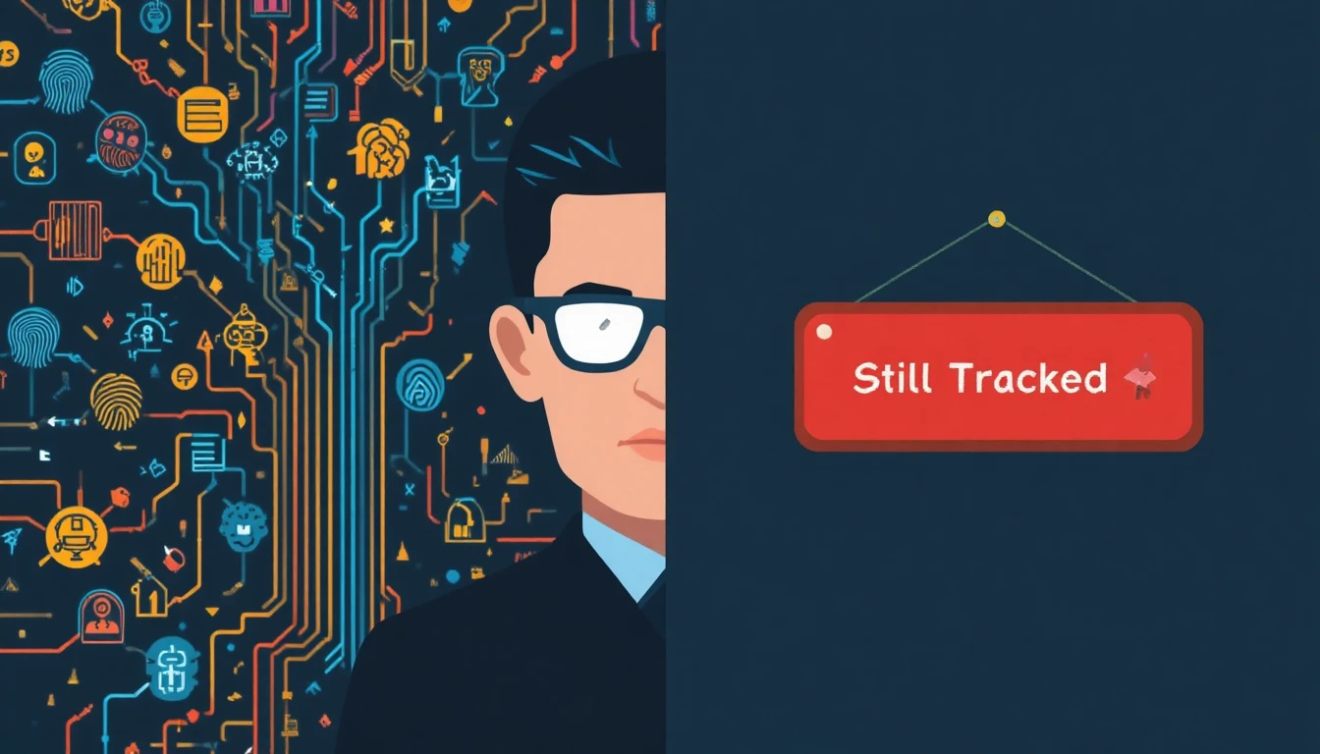
I used to think incognito mode was enough. Open a private window, browse around, close it, clean slate, right?
Then I ran my browser through a fingerprint check at BrowserLeaks while in incognito.
My fingerprint was identical to my normal session. Same screen resolution, same fonts, same GPU rendering signature, same everything. The only difference was that the tab didn't save history locally. That's it.
Incognito mode was designed to protect you from other people using the same device: your family, your coworkers. It was never designed to protect you from the internet. That's a big distinction.
The real problem: Your browser fingerprint a combination of your screen specs, installed fonts, graphics card behavior, timezone, and dozens of other signals is often more uniquely identifying than a cookie. And unlike cookies, it can't be cleared.
So what does actually work?
Let's build this up layer by layer.
Layer#1: The Privacy Basics Every Serious User Should Have
1. Use a Privacy-Focused Search Engine
Google logs every search and ties it to your identity. Switch to DuckDuckGo, Startpage, or Brave Search.
None of them store your query history or build a behavioral profile on you. Small change, immediate impact.
2. Lock Down Your DNS
Every site you visit is first resolved through a DNS server by default- your ISP's, which logs every domain you look up.
Switch to Cloudflare 1.1.1.1 or NextDNS for encrypted DNS. Takes five minutes. Your ISP immediately goes blind to your browsing destinations.
3. Use End-to-End Encrypted Messaging
Standard SMS and most messaging apps are readable by the platform. Use Signal for private conversations; it encrypts both content and metadata and stores nothing on servers.
For email, ProtonMail and Tutanota give you encrypted inboxes that even the provider can't read.
4. Use a Reputable No-Log VPN But Know Its Limits
Good options: Mullvad (accepts cash, no email required), ProtonVPN, and IVPN. All have independently audited no-logs policies.
A VPN encrypts your traffic and swaps your IP. But it doesn't touch your browser fingerprint, and that's where most people's privacy setup quietly falls apart.
⚠️ The VPN ceiling: A VPN changes your IP address. It doesn't change your browser fingerprint. If two of your accounts share the same fingerprint, the platform knows it's you regardless of which IP you're browsing from.
Layer#2: The Fingerprint Problem Most Guides Skip Over
Here's exactly what browser fingerprinting collects because most people have no idea how granular it gets:
• Canvas fingerprinting: Your GPU renders a hidden image in a subtly unique way. The pixel-level differences identify your specific hardware.
• WebGL data: Your graphics card model and driver version produce a unique rendering signature that's nearly impossible to fake at the browser level.
• Font enumeration: Which fonts are installed on your OS? Even between two Windows 11 machines, the font list differs enough to be identifying.
• AudioContext fingerprinting: How your device processes audio is measurably unique across hardware configurations.
• Timezone and language: Individually minor. Combined with everything else, they significantly narrow your identity.
• Hardware concurrency: How many CPU threads your machine reports. Combined with screen resolution and RAM size, this builds a highly specific profile.
None of this requires cookies. None of it requires you to be logged in. It works in every browser, including Firefox, Brave, and incognito mode.
The only solution is something that intercepts these data requests and returns a different, internally consistent answer for each session.
Layer#3: How Octo Browser Solves What VPNs Can't
Octo Browser is an antidetect browser launched in 2019. It won the Best Antidetect Browser 2024 award from MAC and has become a go-to tool for digital marketers, e-commerce operators, and privacy-focused professionals who need genuine identity separation at scale.
Here's how it works in practice:
Separate Profiles, Separate Digital Identities
Every profile in Octo Browser gets its own fabricated-but-realistic fingerprint. Canvas data, WebGL signature, fonts, screen resolution, and timezone are all different per profile, all internally consistent so they don't trigger anti-fraud alerts. You're not just changing your IP; you're presenting an entirely different device.
Profile Isolation: Nothing Leaks
Cookies, local storage, and cached data are all sandboxed per profile. Switch profiles, and you're effectively on a different machine.
Zero cross-contamination, which is exactly what platforms like Facebook, TikTok, and Amazon are trying to detect.
Proxy Integration Per Profile
Assign a separate residential or mobile proxy to each profile so IP geolocation matches the fingerprint's location.
Octo Browser has a dedicated proxy management tab supporting HTTP, SOCKS4, and SOCKS5. One profile is in Berlin, another in São Paulo, another in Tokyo, each fully independent.
Built for Teams
Cloud-synced profiles and role-based access control make Octo Browser genuinely useful for agencies, not just solo operators.
The Team plan (€169/month) supports up to 3 users and 350 profiles. The Advanced plan (€329/month) covers 8 team members and 1,200 profiles.
Automation-Ready
For developers and data teams, Octo Browser integrates natively with Selenium, Puppeteer, and custom scripts via API. Scraping pipelines, automated testing, and workflow automation all run under isolated fingerprinted profiles.
How Octo Browser Compares to Other Privacy Tools
|
Feature |
Octo Browser |
VPN Only |
Tor Browser |
Incognito |
|
Fingerprint Spoof |
✅ Full |
❌ None |
⚠️ Partial |
❌ None |
|
IP Masking |
✅ Proxy/VPN |
✅ Yes |
✅ Yes |
❌ No |
|
Multi-Profile |
✅ Yes |
❌ No |
❌ No |
❌ No |
|
Session Isolation |
✅ Sandboxed |
❌ No |
⚠️ Partial |
⚠️ Basic |
|
Team Sharing |
✅ Yes |
❌ No |
❌ No |
❌ No |
|
Automation API |
✅ Yes |
❌ No |
❌ No |
❌ No |
|
Browsing Speed |
✅ Fast |
⚠️ Moderate |
⚠️ Slow |
✅ Fast |
No single tool does everything. But if browser fingerprinting is your main exposure and for anyone managing multiple accounts, it is only an antidetect browser like Octo Browser that addresses that layer directly.
Who Actually Needs This Level of Privacy?
- Digital marketing agencies: Running multiple ad accounts from one IP is a ban waiting to happen. Isolated profiles per client keep campaigns live.
- E-commerce & dropshippers: Multiple Amazon or eBay storefronts require genuine account separation that standard browsers can't provide.
- Affiliate marketers: Multi-GEO campaigns and ad verification require appearing as genuinely different users from different locations.
- Web scrapers & data teams: Rotating fingerprinted profiles prevent CAPTCHA lockouts and rate limiting that kill scraping pipelines.
- Cybersecurity researchers: Testing how tracking systems respond to different device configurations requires genuine fingerprint variation.
- Privacy-first professionals: Journalists, activists, and researchers who need real identity separation, not just a VPN.
The Complete Anonymity Stack: What to Use Together
Here's a realistic setup for someone serious about online privacy in 2026, ordered from essential to advanced:
- Private search engine (DuckDuckGo or Startpage): removes your search history from corporate data collection
- Encrypted DNS (Cloudflare 1.1.1.1 or NextDNS): blinds your ISP to your browsing destinations
- Encrypted messaging (Signal + ProtonMail): keeps your communications private end-to-end
- No-log VPN (Mullvad or ProtonVPN): masks your IP and encrypts traffic
- Antidetect browser (Octo Browser): addresses fingerprinting, multi-account isolation, and session separation together
- Residential proxies: assigned per profile in Octo Browser to complete the geolocation picture
Each layer handles a different attack surface. Use them together, and your real identity becomes genuinely difficult to reconstruct even for sophisticated tracking systems.
Common Mistakes That Break Your Anonymity
Real talk: The right tools only work if you use them correctly. Here's what actually gets people flagged.
- Logging into personal accounts inside a private profile: The moment you sign into your real Google account inside any profile, that session is permanently linked.
- Using datacenter proxies with residential fingerprints: Platforms blocklist known datacenter IP ranges. Always pair residential proxies with your profile's geographic setup.
- Robot-like behavior: Logging into 10 accounts in 8 minutes, never scrolling, never pausing. Platforms analyze behavioral sequences to be human.
- Fingerprint mismatches: A Tokyo timezone with a Berlin proxy IP and Japanese OS language is a three-alarm flag. Your proxy location must match your profile's configured location.
- Never rotating profile configurations: Even a well-built fingerprint can be correlated over time. Refresh configurations periodically.
Conclusion
Staying anonymous online isn’t as easy as just picking one trick and sticking with it. You need a whole setup: private search engines, encrypted DNS, a trustworthy VPN, encrypted messaging apps.
That’s just the starting point. If you’re serious about dodging trackers, keeping accounts separate, and really running the show when it comes to your digital identity, you’ll have to go a bit further.
That’s where Octo Browser steps in. It’s not for someone who just wants to clear their search history.
This is for people juggling multiple accounts, digging into competitors, or anyone who just can’t afford to let their identities overlap or leak.
Honestly, the internet’s always looking for ways to tag and follow you. Every extra layer of privacy you use slows that down.
So start with the basics, figure out what each tool actually shields you from, and keep leveling up your defenses as you go.