








What to consider when upgrading your office printing setup
Even in offices that rely heavily on digital tools, printed documents continue to play an important role in day-to-day operations. Contracts, presentation handouts, internal notes and labelled files all rely on a printing setup that works smoothly and consistently. Rather than focusing solely on technical specifications, choosing the right equipment involves understanding how people work, how often they print and what level of reliability they require.
Assessing printing habits before choosing new equipment
Before investing in updated tools, it helps to look at the office’s current patterns. Some teams print large volumes throughout the week, while others produce documents only at specific times. Understanding whether printing happens in bursts or steadily across the day can guide decisions on speed, capacity and durability. Offices that handle heavy workloads benefit from devices designed for robust, long-term use, while smaller teams might prioritise convenience and simplicity.
How equipment choices influence workflow
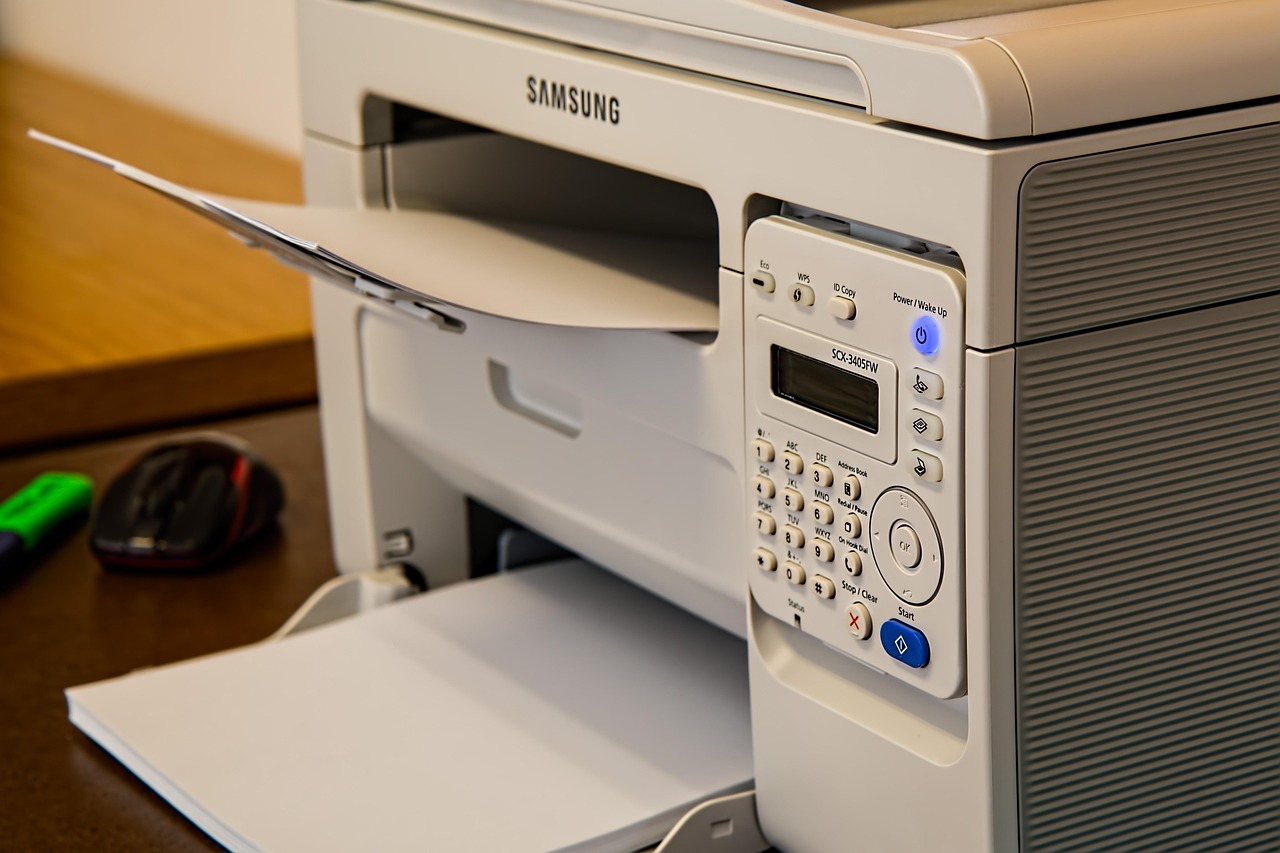
The type of machine selected affects both productivity and document quality. A laser printer is often preferred in professional environments because it delivers crisp, consistent output at a fast pace. It suits teams that value reliability and short turnaround times. However, it is only one part of a broader ecosystem. Positioning the machine accessibly, ensuring there is enough space for staff to collect documents without blocking walkways and keeping supplies organised all contribute to a smoother workflow.
Maintaining print quality with the right supplies
Even the best equipment requires suitable consumables. A toner cartridge designed for the specific machine helps maintain clarity in printed text and prevents smudging. While small in appearance, it directly influences how professional documents look and how consistently the printer performs. Keeping a small stock of spare cartridges helps avoid disruptions during busy periods, ensuring that printing tasks continue without delay.
Considering additional features that support efficiency
Modern printers often include features such as duplex printing, wireless connectivity or built-in scanning. These additions can save time, reduce paper use and streamline document management. For offices where collaboration takes place across multiple rooms or departments, the ability to print directly from laptops or mobile devices can be particularly convenient.
Creating a printing area that feels organised
A functional printing setup does not rely solely on the printer itself. Clear shelves for paper, accessible drawers for supplies and small bins for recycling misprints help maintain order. When the area is tidy and easy to navigate, employees spend less time sorting through clutter and more time focusing on their work.
A smoother workday supported by practical choices
Choosing printing equipment is ultimately about matching tools to the needs of the people who use them. By considering habits, reliability and ease of use, offices can build a setup that supports consistent, well-organised work. With the right combination of tools and thoughtful planning, everyday tasks become more efficient and far less disruptive.